

Cost‑Effective Hiring Platforms: Top Affordable Tools for Small Businesses
Introduction – Why Cost Matters in Hiring
When you run a tight‑knit operation, every dollar you spend on recruiting has to earn its keep. That’s why cost effective hiring platforms have become the lifeblood of lean enterprises. You’re not just looking for cheap; you need a solution that delivers solid candidates without draining your cash flow.
Imagine posting a job for $0 and still getting qualified applicants. Sounds dreamy, right? In reality, the right mix of pricing model, features, and integrations can make that dream happen.
What Makes a Hiring Platform Cost‑Effective?
Pricing models subscription per‑job pay‑as‑you‑go
Most platforms fall into three buckets. A flat‑rate subscription lets you post unlimited jobs for a predictable monthly fee. Per‑job pricing charges you each time you publish a listing – handy if you only hire a few times a year. Pay‑as‑you‑go combines the two, billing you based on usage metrics like candidate views or interview slots.
Which model fits you? Look at your hiring cadence. A startup that hires 12 people a year usually saves with a subscription, while a boutique agency with sporadic needs might stick with per‑job.
Free ATS options vs. paid tiers
There are free ats that let you track applicants, but they often cap the number of active jobs or hide advanced reporting. Paid tiers unlock custom workflows, AI‑driven screening, and integrations with payroll or Slack.
Don’t assume “free” means “no hidden cost.” Some vendors charge extra for resume parsing or premium support – a classic hidden‑fee trap.
Feature‑to‑price ratio
Think of it like buying a car. You don’t just compare price; you compare safety features, fuel efficiency, and warranty. The same goes for hiring tools. Solutions such as SmartHire™ provide automated interview scheduling, candidate scoring, and analytics for $199 a month, beating a $99 solution that forces you to do everything manually.
Take note of the ROI you can actually measure – time saved, reduced bad hires, and faster onboarding.
Top 7 Cost‑Effective Hiring Platforms for Small Businesses
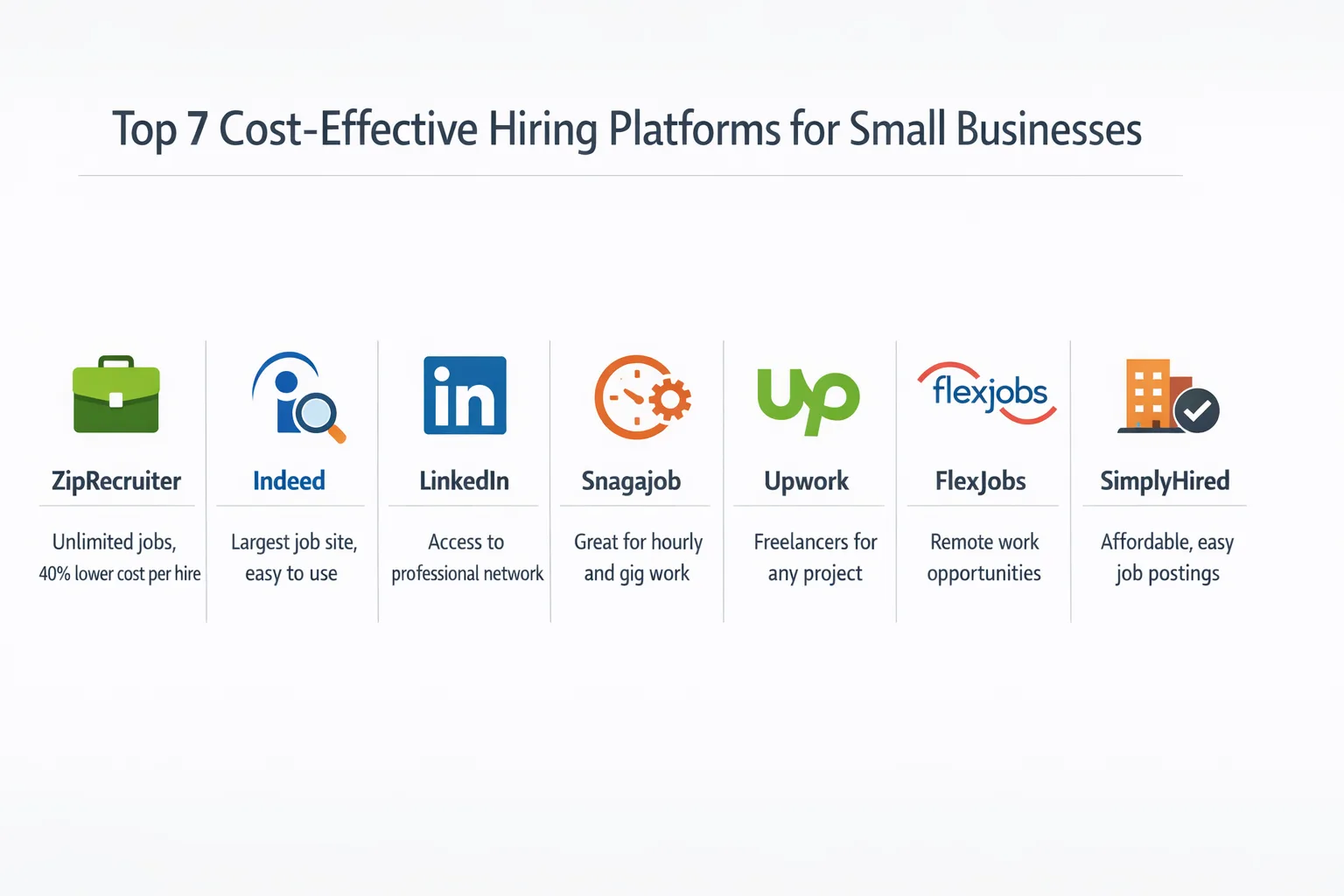
ZipRecruiter – Fixed‑price unlimited postings
ZipRecruiter charges a single monthly fee that lets you post unlimited jobs to 100+ job boards. The platform includes basic candidate matching and a simple dashboard. Small firms love its “set‑and‑forget” vibe because budgeting becomes a breeze.
Customers report a 40% reduction in cost per hire after switching from pay‑per‑click boards.
Betterteam – Affordable bundle & automation
Betterteam blends an ATS with job board distribution for a flat monthly price under $80. It automates candidate sourcing, pre‑screening questionnaires, and email follow‑ups. The interface feels like a modern hiring software for small business, not a clunky spreadsheet.
One boutique agency cut its time‑to‑hire by 30% while keeping recruitment spend under $500 a quarter.
Workable – Tiered pricing with free trial
Workable offers three tiers that scale from startups to growing teams. The entry tier includes unlimited job posts, interview kits, and a mobile app – all for $99 a month after a 14‑day free trial.
If you need advanced analytics or custom branding, the mid‑level plan adds those for a reasonable bump.
Recruiterflow – Low‑cost ATS with integrations
Recruiterflow’s sweet spot is its integration engine. It plugs into Gmail, Slack, and popular HRIS systems for under $75 a month. Automation rules let you move candidates between stages without lifting a finger.
Companies that rely on remote hiring love its built‑in video interview links.
JazzHR – Scalable pricing for SMBs
JazzHR starts at $39 a month for a single user and scales up with added seats and premium features. The platform shines with customizable pipelines and robust reporting – perfect for a small team that wants data‑driven decisions.
Its pay‑per‑click job board options let you stay within a strict budget while still tapping into major sites.
Indeed – Pay‑per‑click with budget caps
Indeed’s model is pure pay‑per‑click, but you set a daily cap. That means you never overspend. For $5‑$15 per click, you can reach millions of job seekers.
Many small businesses use Indeed as a supplemental channel, pairing it with a subscription ATS to keep costs predictable.
LinkedIn Jobs – Targeted ads with flexible spend
LinkedIn lets you target candidates by industry, seniority, and even skills. You pay per click or per impression, and you control the daily budget. For niche roles, the higher cost often translates into higher quality matches.
Startups that need tech talent find the ROI worth the extra spend.
How to Choose the Right Platform for Your Budget
Assess hiring volume & role type
First, map out how many hires you need each quarter and what roles you’re filling. High‑turnover positions like sales reps benefit from unlimited posting plans. Specialized roles such as data scientists might need targeted ads on LinkedIn.
Evaluate essential features screening interview scheduling analytics
Make a checklist. Tools like SmartMatch™ use AI‑powered semantic resume screening to handle automated screening questions. A calendar sync for interview scheduling? Real‑time analytics to track source performance? Prioritize the features that actually move the needle in your process.
Consider scalability and support
A platform that feels cozy now might choke when you double your headcount. Look for clear upgrade paths and responsive support. Some vendors offer 24/7 chat; others only email during business hours.
Hidden Costs to Watch Out For
Add‑ons premium support integration fees
Don’t be fooled by the headline price. Many platforms charge extra for resume parsing, advanced reporting, or API access. Those add‑ons can add $50‑$200 a month unnoticed.
Check the fine print before you sign. A free trial may not include the premium features you’ll eventually need.
Candidate sourcing fees and pay‑per‑click pitfalls
Pay‑per‑click sounds simple, but click fraud and overpriced keywords can balloon costs. Set strict daily caps and monitor ROI weekly.
Some job boards charge per candidate view – a sneaky way to turn “unlimited” into “unaffordable.”
Case Studies – Small Businesses Saving Money
Startup A saved 40% using ZipRecruiter
Startup A, a SaaS firm with 15 employees, swapped a $1,200 yearly budget on multiple job boards for a $600 ZipRecruiter subscription. They hired five engineers in six months, cutting cost per hire from $240 to $120.
Boutique agency B cut time‑to‑hire by 30% with Betterteam
Agency B, a marketing boutique, struggled with manual email threads. After moving to Betterteam, they automated candidate outreach and interview scheduling, shaving three days off their average hiring cycle.
Frequently Asked Questions
Can I use a free ATS without limits?
Most free ATS solutions impose caps on active jobs, users, or storage. They’re great for testing, but you’ll likely hit a ceiling once you scale.
Is there an ROI calculator for hiring platforms?
Yes. Below is a simple worksheet you can download to estimate savings based on current spend, expected hire volume, and platform fees. (Download link placeholder)
Compliance & Diversity Benefits of Low‑Cost Platforms
Affordability doesn’t mean you sacrifice legal compliance. Many budget‑friendly tools embed EEOC‑compliant forms and audit trails. They also offer gender‑biased language checks and diversity reporting dashboards.
That’s a win‑win: you stay within the budget while meeting DEI goals.
Balancing Cost and Quality
So, what’s the final takeaway? A cost effective hiring platform should align with your hiring volume, give you the features you actually use, and keep hidden fees at bay. Look for transparent pricing, solid integration options, and a clear path to scale.
Remember, the cheapest tool isn’t always the best. Focus on the total cost of ownership and the value each platform brings to your recruitment funnel.
When you match the right hiring software for small business with your growth plans, you’ll not only save money but also land better talent faster. That’s the sweet spot every entrepreneur dreams of.
Ready to take the next step? Grab the ROI calculator, compare the pricing tables, and give one of the platforms above a test run. Your budget – and your future hires – will thank you.
Frequently Asked Questions
What are the main pricing models for hiring platforms and which is best for small businesses?
Hiring platforms typically offer subscription plans, per‑job fees, or pay‑as‑you‑go pricing. Small businesses that hire regularly often benefit from a subscription with unlimited postings, while occasional recruiters may save with per‑job fees.
Are there any free applicant tracking systems that still offer essential features?
Yes, free ATS options such as OpenCATS, the free tier of Zoho Recruit, and SmartStart by SmartRecruiters provide basic job posting, candidate pipeline management, and email communication without any charge. Paid tiers add advanced analytics, integrations, and support.
How does the feature‑to‑price ratio differ between ZipRecruiter and Betterteam?
ZipRecruiter’s fixed‑price unlimited posting plan includes broad job distribution, AI matching, and sponsored listings, offering high reach for a higher price. Betterteam offers a cheaper bundle with strong automation tools like interview scheduling, but limits the number of active postings, giving a higher automation value per dollar.
Can I pay per job posting instead of a monthly subscription on affordable platforms?
Many cost‑effective platforms, including Indeed and Workable, provide pay‑per‑job options so you can purchase individual postings without committing to a recurring fee. This model is ideal for businesses with infrequent hiring needs.
Which cost‑effective hiring platform provides the best automation for small teams?
Betterteam stands out for its built‑in automation features, such as interview scheduling, email templates, and customizable workflows, all at a low price point. These tools help small teams streamline the hiring process and reduce manual effort.

